
Navigating Our Guides

Welcome to the Hordeapp user guide system! Here, you’ll find step-by-step instructions to boost your team’s productivity in South Africa.

Explore User Guides by Feature for Enhanced Productivity

Unlock the full potential of Hordeapp with our comprehensive user guides. Each guide focuses on a specific feature, providing step-by-step instructions and practical tips to boost your team’s productivity. Whether you’re new to Hordeapp or looking to master advanced features, these guides are designed to help you achieve your goals efficiently.
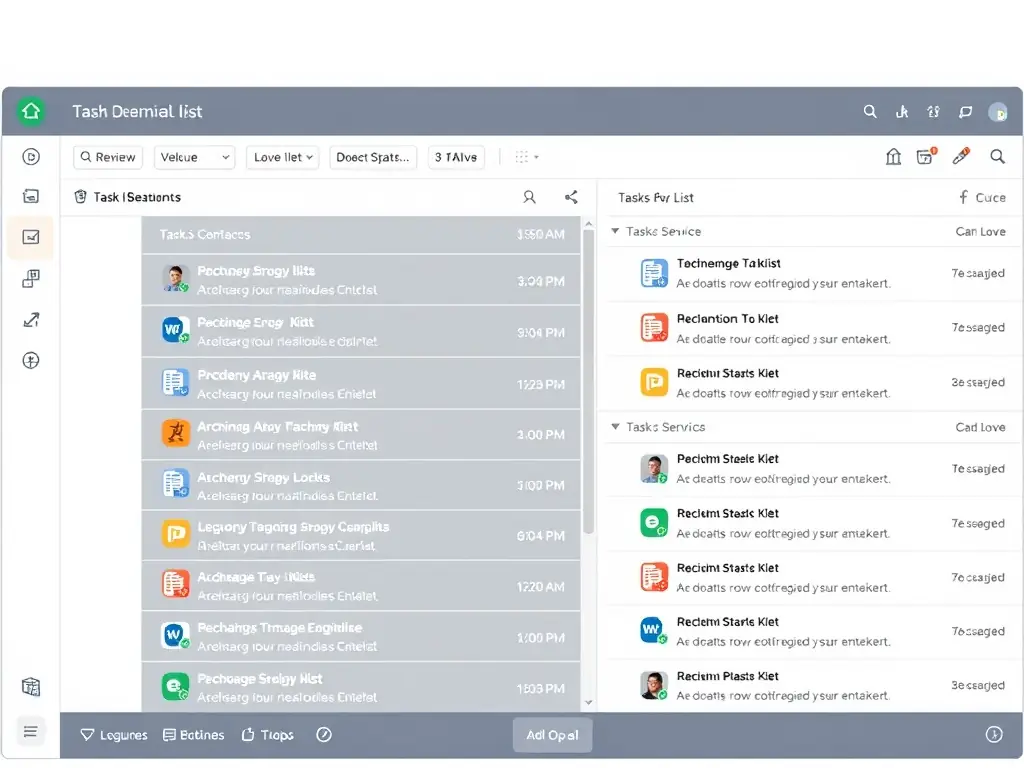
A screenshot of the Hordeapp interface, specifically highlighting the task management feature, with annotations pointing out key functions and options.
Task Management Guide
Learn how to create, assign, and track tasks effectively. Optimize your workflow and ensure that deadlines are met with ease. Perfect for South African teams.

An illustrative graphic showing team members collaborating on a document within Hordeapp, emphasizing real-time editing and version control.
Real-Time Collaboration
Discover how to collaborate seamlessly with your team in real-time. Share documents, provide feedback, and co-create content effortlessly, boosting team synergy.
A clean and intuitive visual representation of Hordeapp's communication tools, showcasing features like instant messaging, video conferencing, and file sharing.
Communication Tools
Master Hordeapp's communication features to keep your team connected and informed. From instant messaging to video conferencing, streamline your internal communications.
HordeApp: Team Collaboration Tools for South Africa
Privacy Overview

This website uses cookies so that we can provide you with the best user experience possible. Cookie information is stored in your browser and performs functions such as recognising you when you return to our website and helping our team to understand which sections of the website you find most interesting and useful.